Crate Hackers Review 2026: Is It Worth $30/Month?
What Crate Hackers actually does, who the curated crates help, where it falls short, and why crate-building works better on a clean Serato library.
Clear, practical notes on Serato library cleanup, duplicate tracks, and keeping crates ready for gigs.
What Crate Hackers actually does, who the curated crates help, where it falls short, and why crate-building works better on a clean Serato library.

dupeGuru is free but doesn't know Serato exists. What each tool catches, what deleting files does to your crates, and which is safer for DJs.

Lexicon and CrateSweep both find duplicate tracks, but they're built for different jobs. Pricing, workflow, and which to use for Serato cleanup.

An honest Lexicon DJ review for 2026: what the library manager does well, what it costs, and when a focused Serato cleanup tool is the better fit.
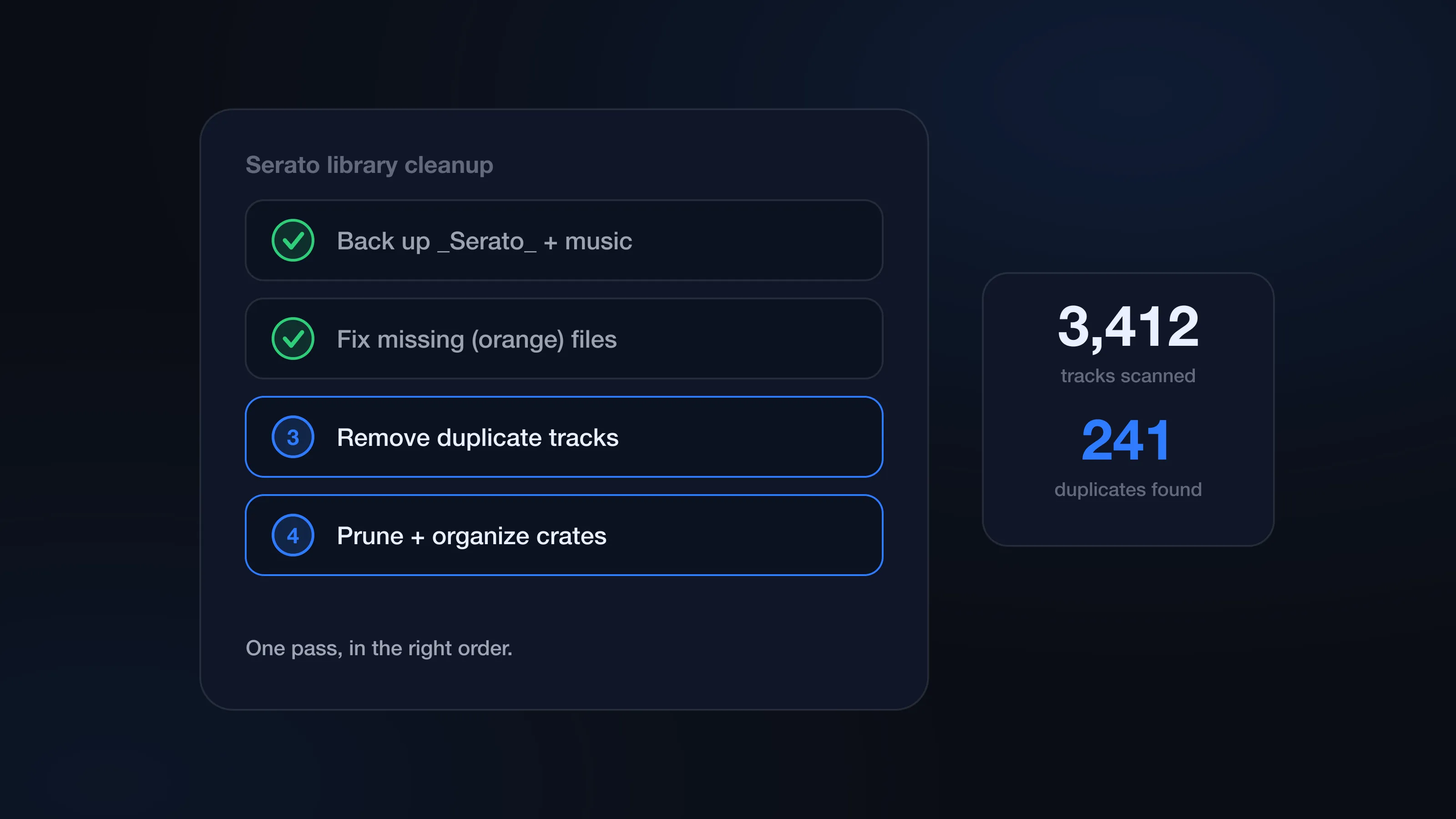
Clean your Serato library the right way: back up, fix orange missing files, remove duplicates, prune dead tracks, and organize crates — in the right order.
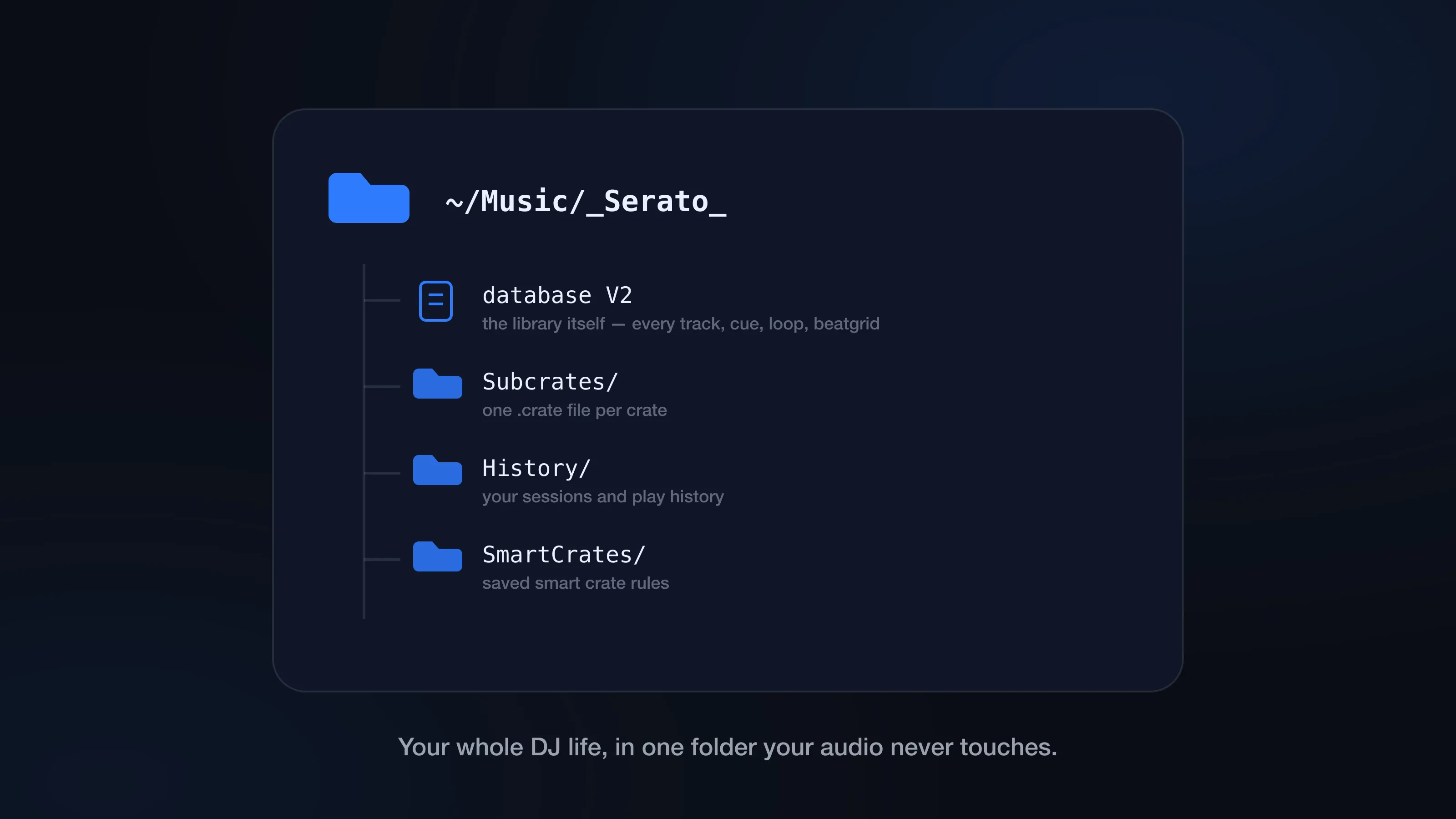
What's inside the _Serato_ folder, where it lives on Mac and external drives, what database V2 does, and why file paths cause orange tracks and duplicates.
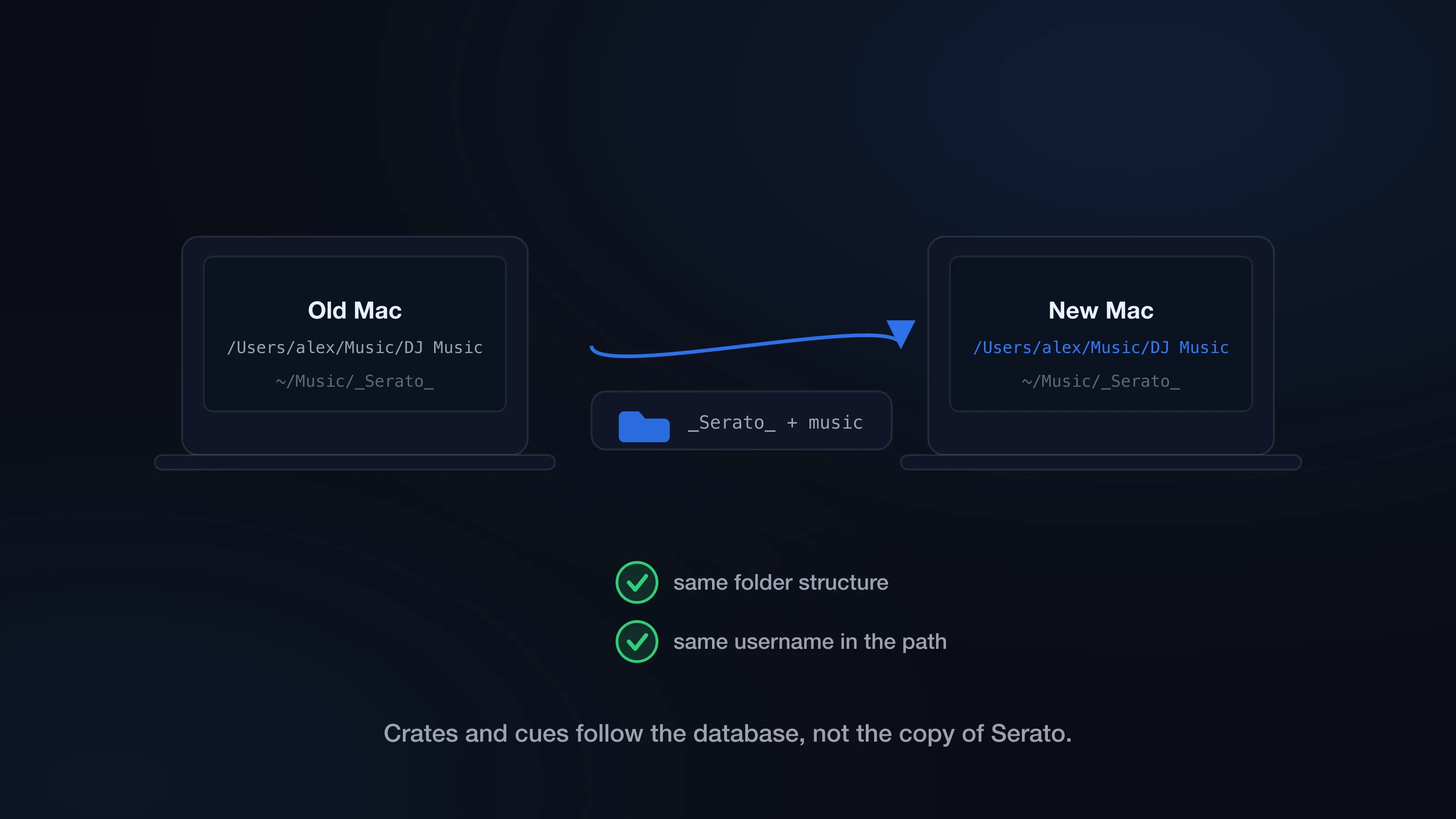
Transfer your Serato library to a new Mac with crates, cue points, loops, and beatgrids intact — the exact folders to copy and the path traps to avoid.
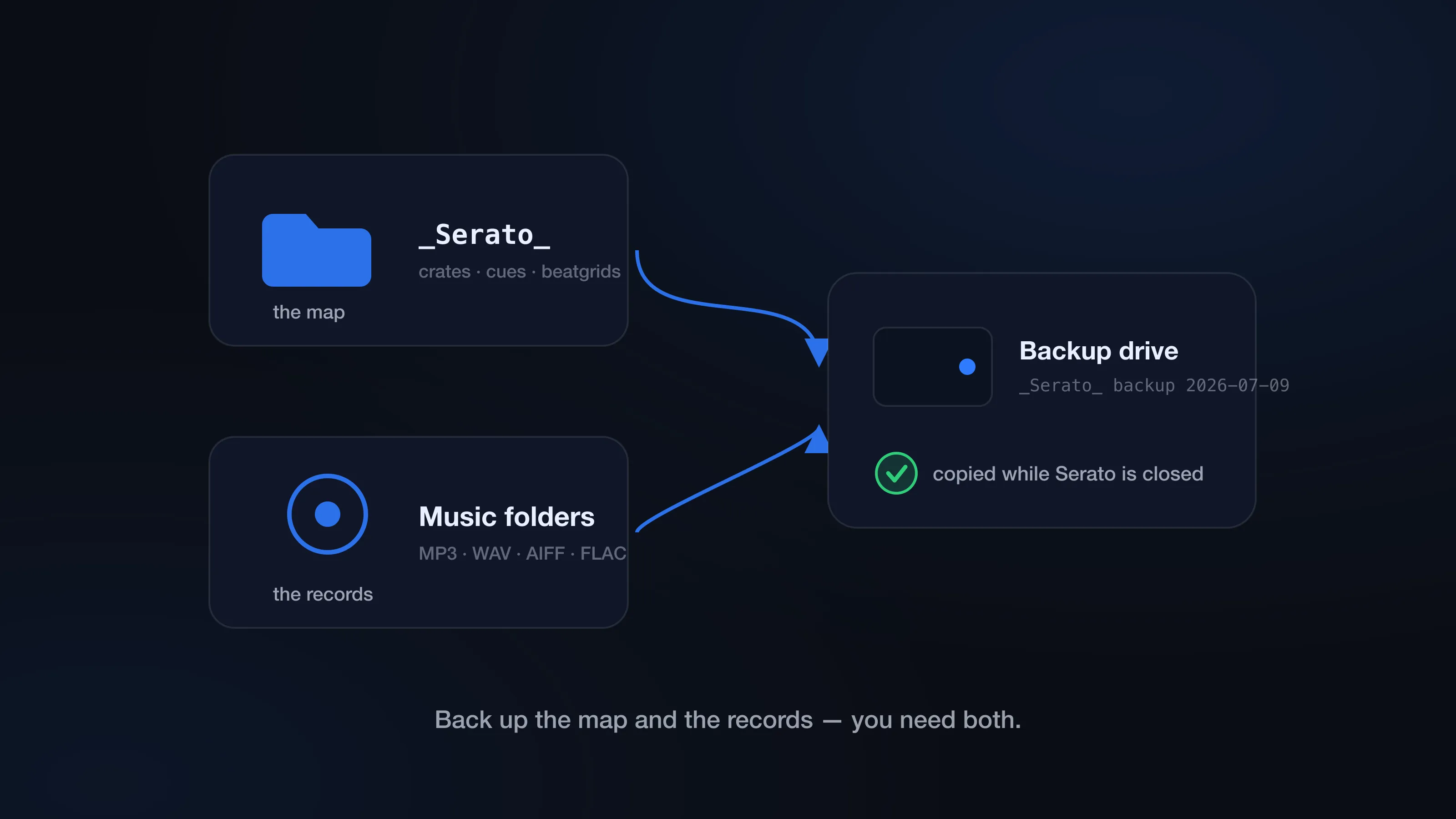
Back up your Serato crates, cues, loops, and beatgrids before a crash or a botched cleanup wipes them. What to copy, where it lives, how to restore.
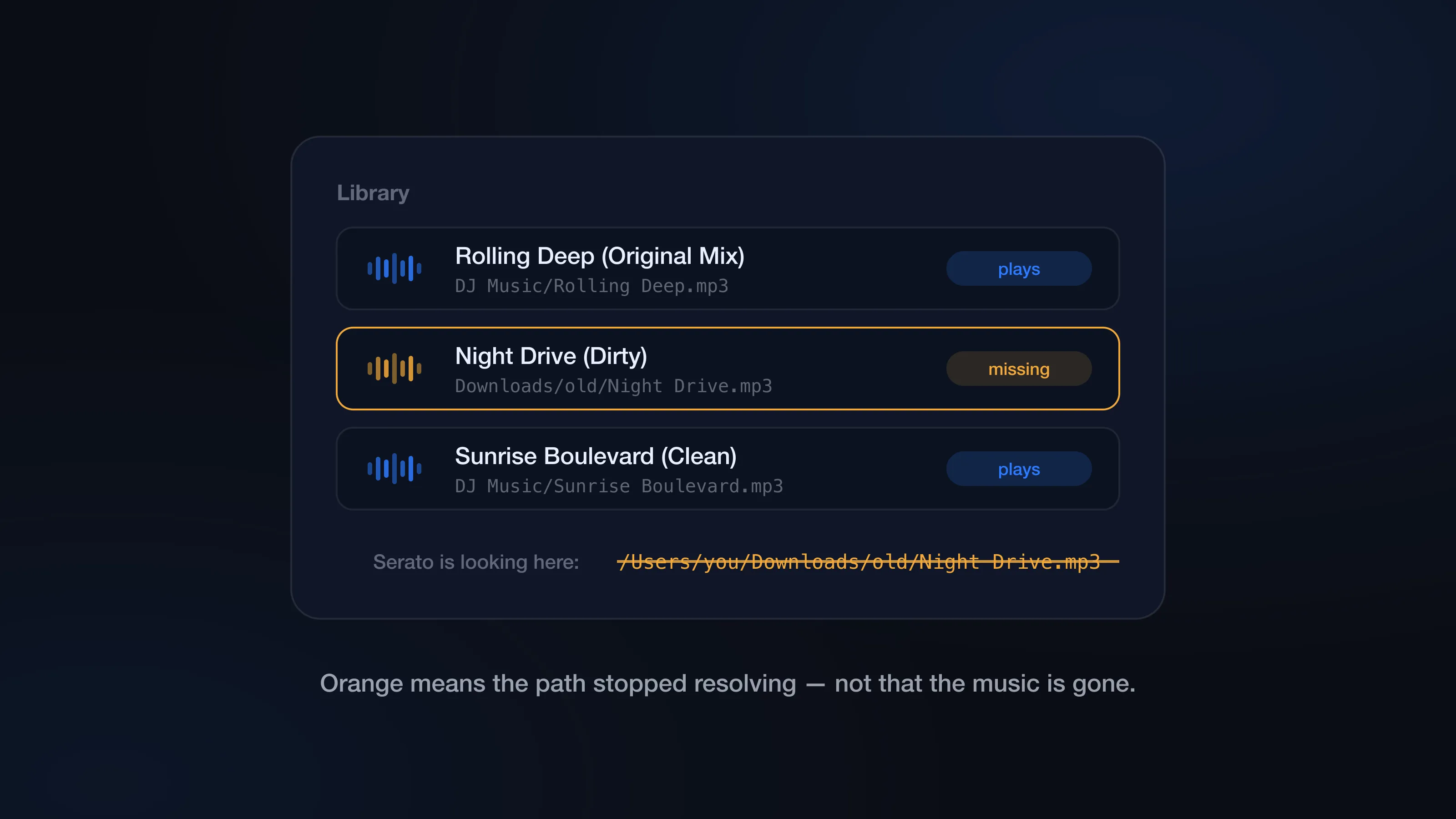
Why Serato tracks turn orange and how to fix missing files fast — relocate lost files, reconnect moved drives, and stop cleanup from creating new ones.
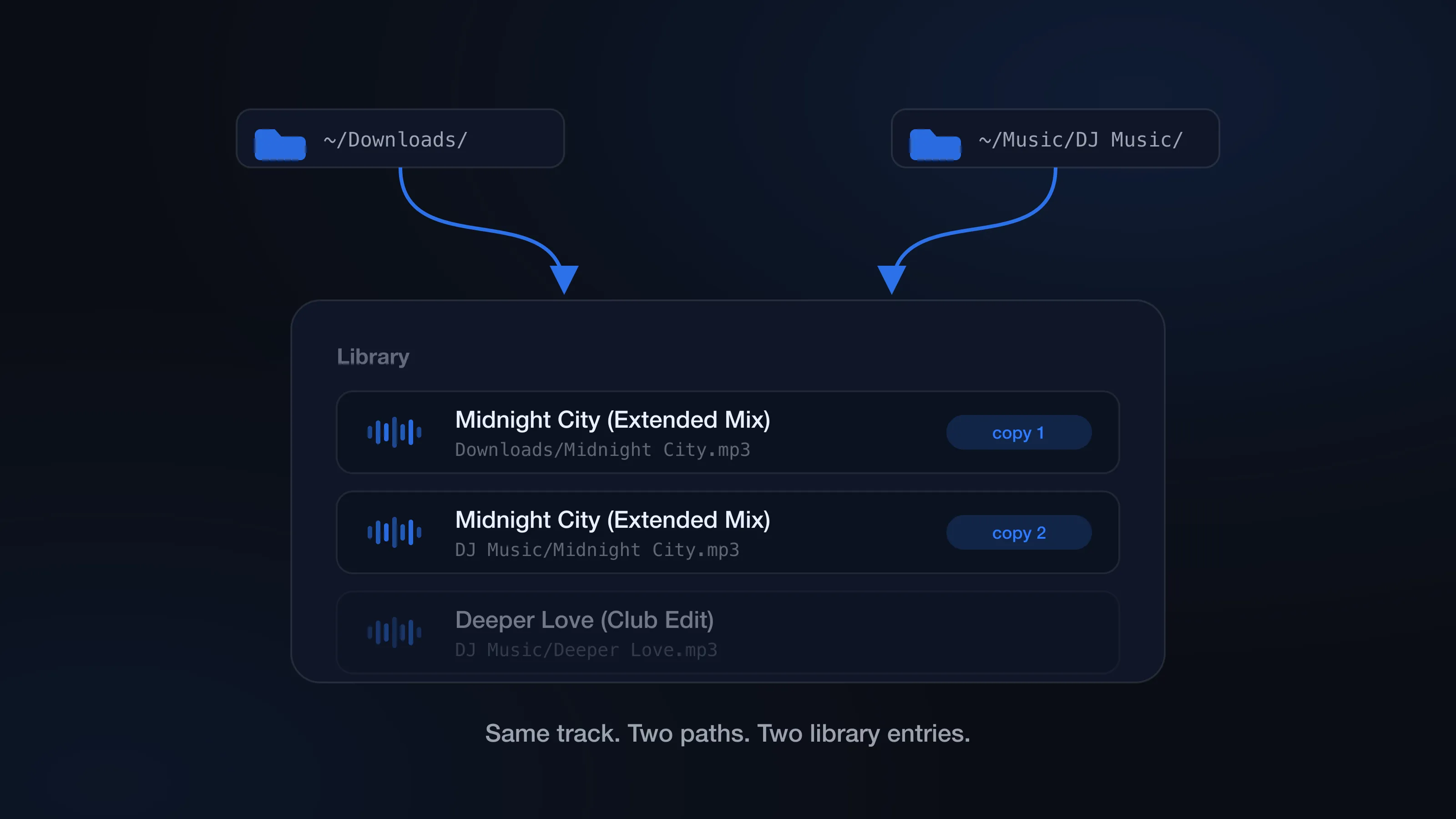
Duplicate tracks reappearing in Serato after cleanup? The causes — double imports, iTunes display, moved files — and the workflow fixes that stop them.
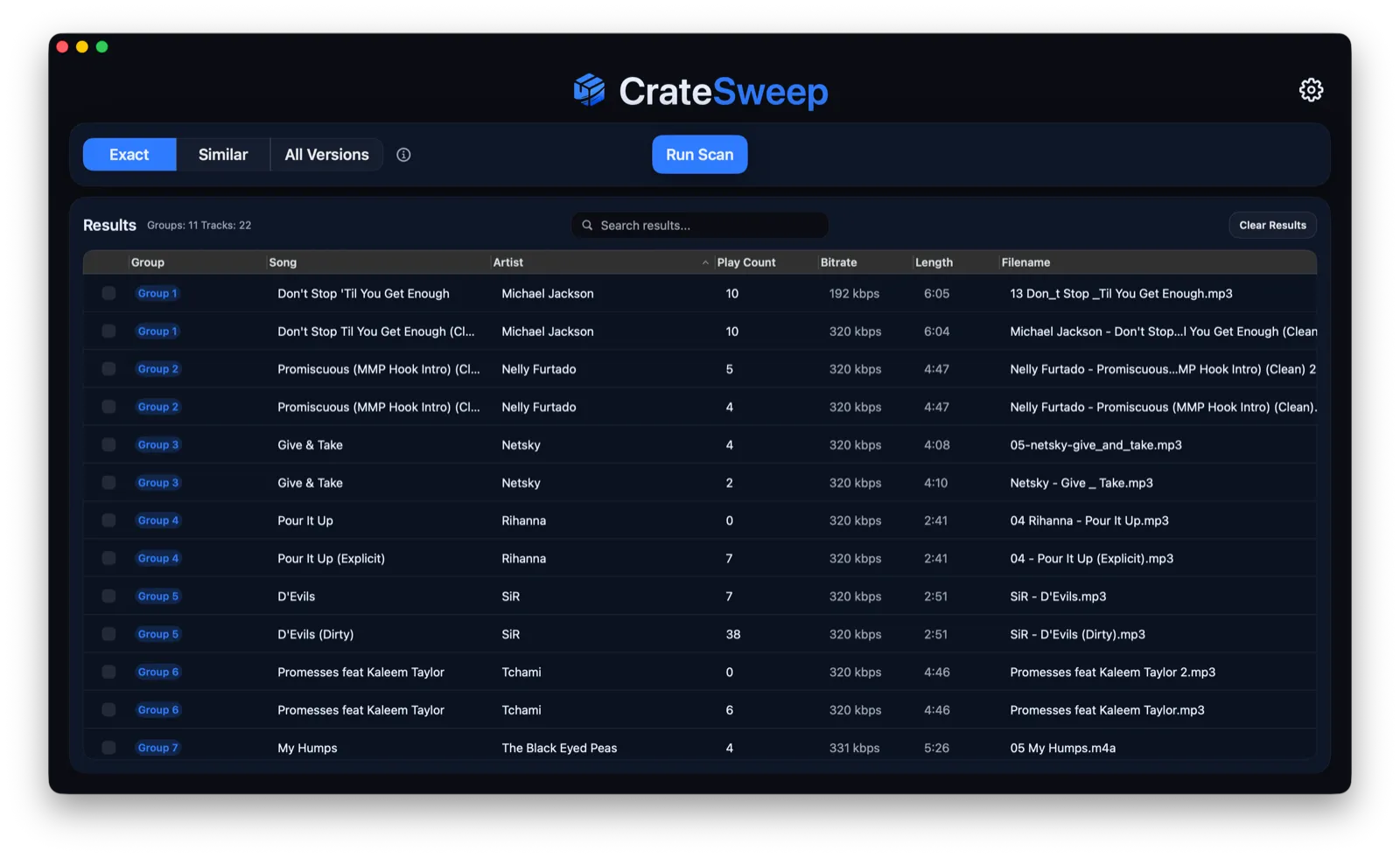
Scan your Serato library free with CrateSweep, compare every duplicate, and remove unwanted copies safely with automatic backup and one-click undo.